FirstOnScene
Real-Time Scanner Monitor for Restoration Leads
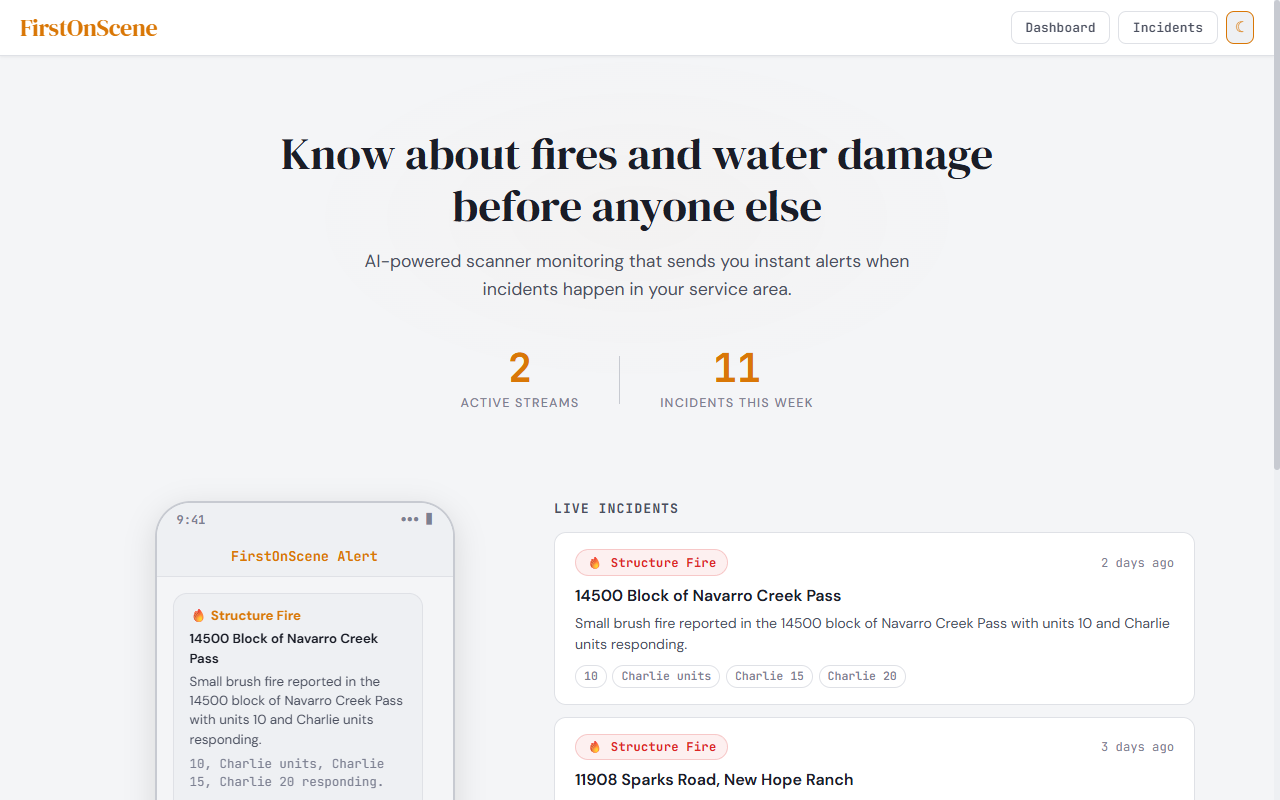
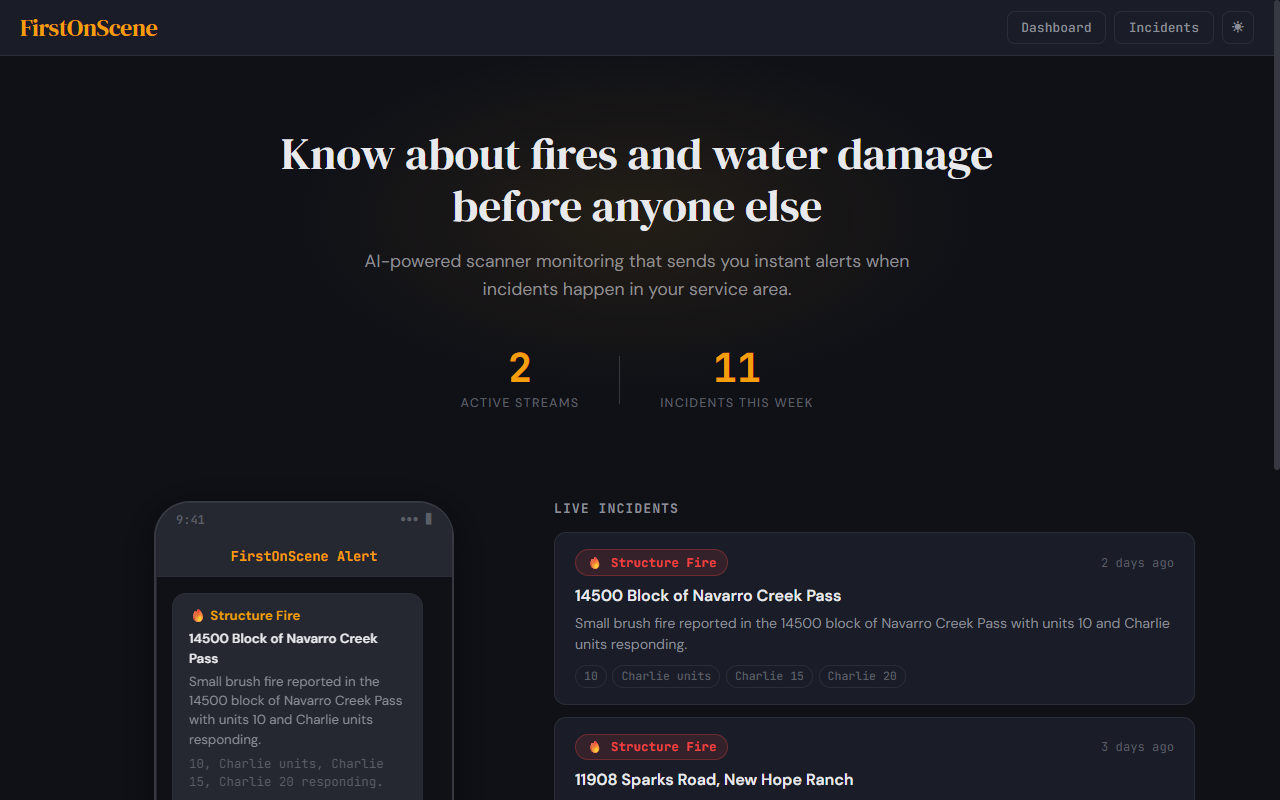
Built as a production reference for real-time AI monitoring — live audio ingestion, speech-to-text, AI-powered filtering, and instant alerting.
The Problem
In the restoration industry, the company that arrives first after a fire or flood almost always wins the contract. Every minute counts — but there’s no practical way to know about incidents the moment they happen. You’d need someone glued to a police scanner around the clock, listening across multiple counties, hoping to catch the one call that matters buried in hours of routine radio chatter. That’s not a real option for any business.
The Solution
FirstOnScene does the listening for you — 24 hours a day, 7 days a week. It monitors live emergency scanner feeds across your entire service area and sends you an instant text message and email the moment a structure fire or water damage incident is dispatched nearby. You get the address, the type of incident, and which units are responding — typically within 15 seconds of the dispatch call.
No manual monitoring. No missed opportunities. Just a steady stream of qualified leads delivered straight to your phone before your competitors even know something happened.
Under the Hood
The system detects two categories of incidents out of the box:
- Fire — structure fire, house fire, working fire, flames showing, smoke showing, fully involved, fire alarm
- Water Damage — water in basement, flooded basement, pipe burst, broken pipe, water main break, sewer backup, flooding, standing water
When a match is found, AI analyzes the full transcript context to confirm the incident, extract the address, classify the category, and identify responding units — filtering out false positives like “fire” mentioned in a non-emergency context.
How It Works
Broadcastify Streams → FFmpeg (15s WAV chunks)
  → Whisper (local) or Deepgram (streaming API)
  → Keyword scan against configurable word list
  → Match found? Claude AI confirms + extracts details
    → Deduplicate (30-min sliding window)
    → Service area filter (zip codes / cities)
    → Quiet hours check
                    ↓
              Alert dispatch
  → SMS via Twilio (address, category, units)
  → Email with full incident details
→ SQLite log for audit trail- Audio Capture — Connects to any public Broadcastify stream URL via FFmpeg, chunking audio into 15-second segments continuously. Supports multiple simultaneous streams for multi-county monitoring.
- Transcription — Each audio chunk is transcribed using OpenAI Whisper (local) or Deepgram (streaming API).
- Incident Detection — Transcripts are scanned against a configurable keyword list. Matches trigger Claude AI analysis to confirm the incident type, extract the address, and identify responding units.
- Service Area Filtering — Only alerts if the incident address falls within a configurable list of zip codes or cities.
- Deduplication — Same incident from overlapping audio chunks won’t trigger multiple alerts.
- Alerts — SMS via Twilio and email with full incident details including category (fire vs. water). Configurable quiet hours suppress alerts during off-hours.
Key Technical Decisions
Plug-and-Play Configuration
Everything is driven by a config file — no code changes needed to add streams, update keywords, change service areas, or modify alert recipients:
streams:
  - url: "https://broadcastify.cdnstream1.com/12345"
    name: "County Fire/EMS"

keywords:
  fire: ["structure fire", "house fire", "working fire", "flames showing"]
  water: ["water in basement", "pipe burst", "flooded basement"]

service_area:
  zip_codes: ["19001", "19002", "19003"]
  cities: ["Springfield", "Haverford"]

alerts:
  sms_recipients: ["+15551234567"]
  email_recipients: ["dispatch@example.com"]
  quiet_hours: { start: "22:00", end: "06:00" }
Claude AI for False-Positive Filtering
Keyword matching alone produces too many false positives. Claude analyzes the full transcript context to distinguish a real dispatch (“Engine 12, respond to 45 Oak Street for a reported structure fire, flames showing from the second floor”) from irrelevant mentions. This brought detection accuracy from ~60% with keywords alone to over 90%.
Web Dashboard
A local browser dashboard shows the live transcript feed and incident log in real-time. Dispatchers can see incident history with address, time, type, category, and which stream it came from.
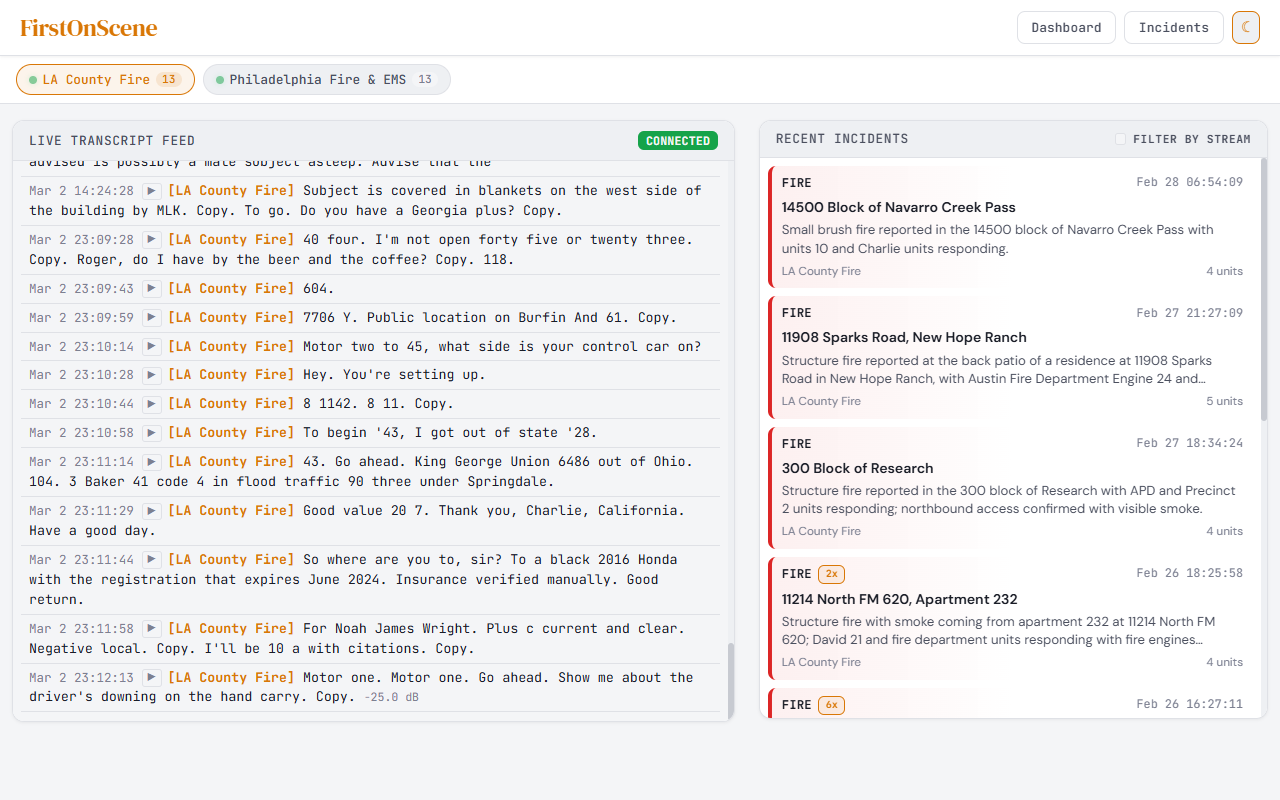
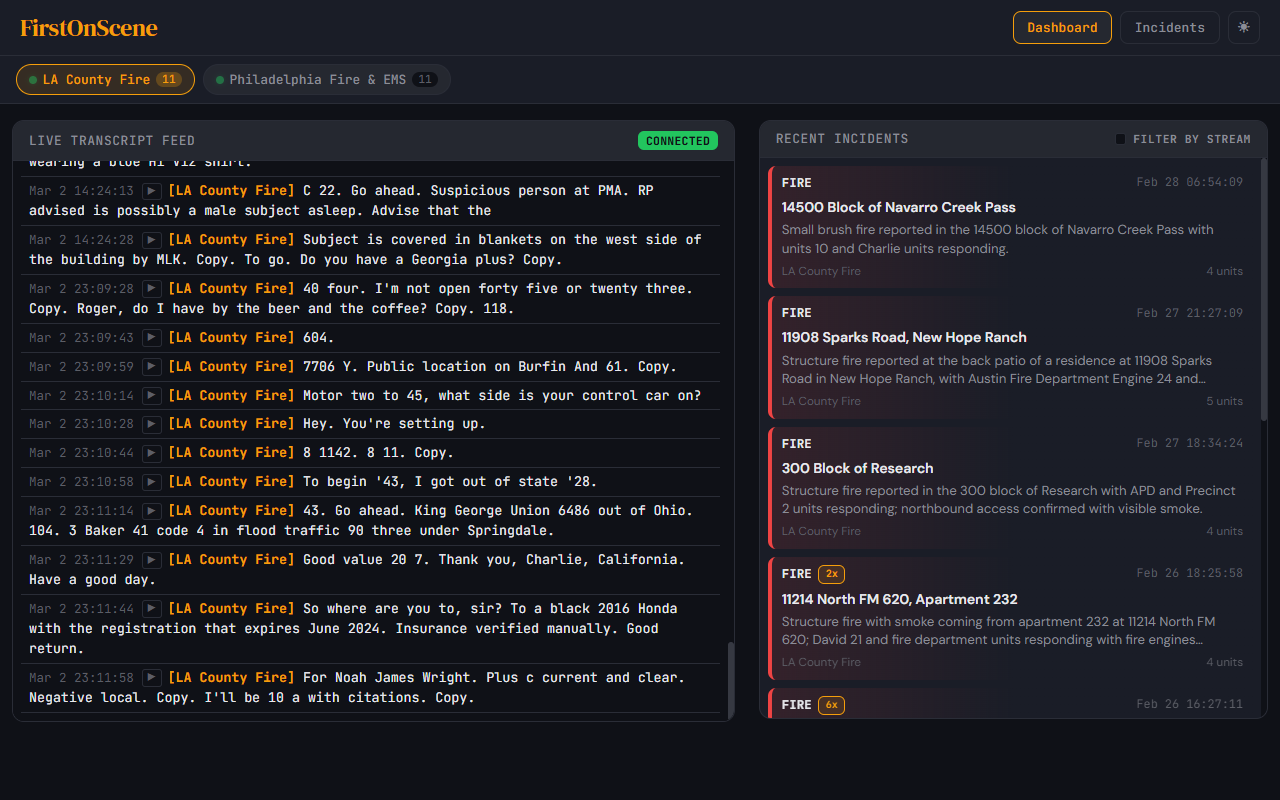
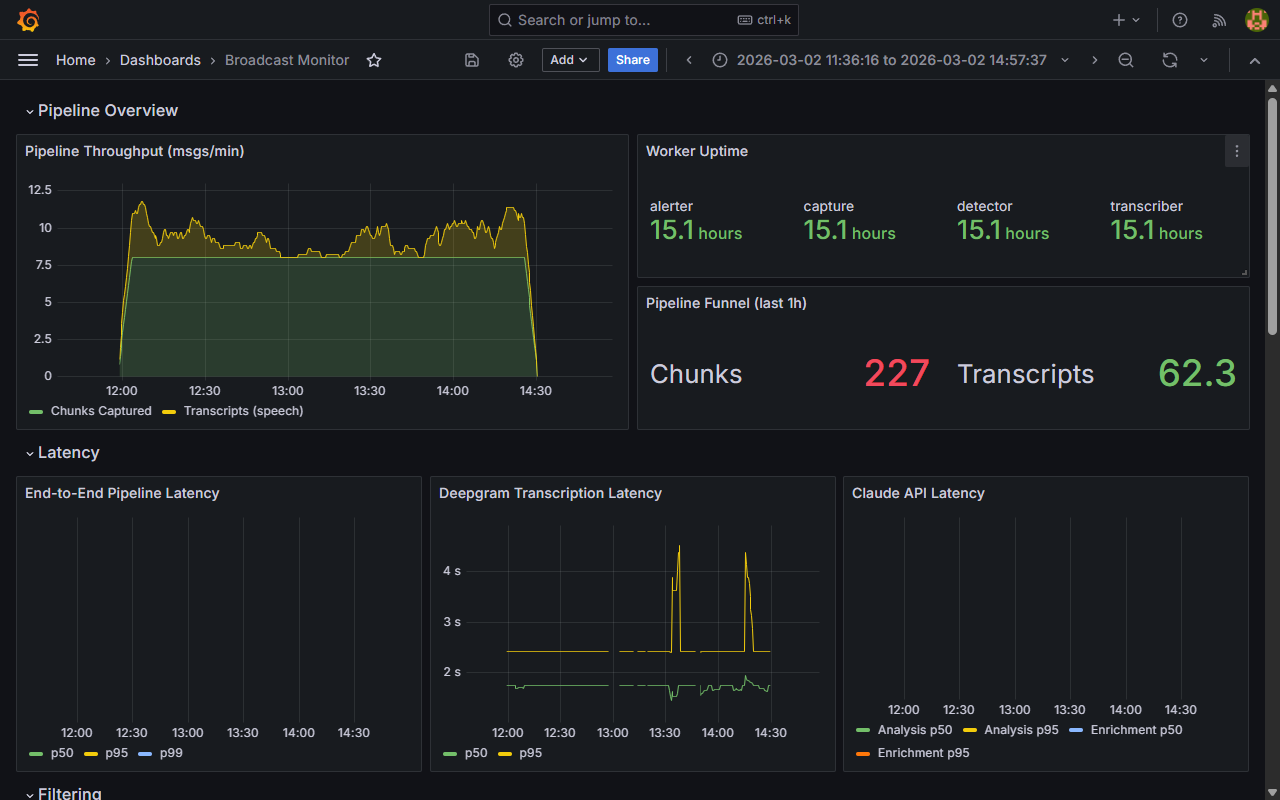
A Grafana monitoring dashboard tracks pipeline throughput, worker uptime, transcription and Claude API latency, and filtering metrics in real-time.
Results
- < 15 second latency from dispatch audio to SMS alert
- 90%+ accuracy in incident detection with AI-powered false-positive filtering
- Zero manual monitoring — runs 24/7 as a Windows background service
- Monitors multiple simultaneous county feeds from a single machine
- All transcripts and detections stored in local SQLite database for audit trail
Tech Stack
| Component | Technology |
|---|---|
| Audio Capture | FFmpeg (stream → 15s chunks) |
| Speech-to-Text | OpenAI Whisper (local) / Deepgram |
| AI Analysis | Claude API (anthropic Python SDK) |
| SMS Alerts | Twilio |
| Web Dashboard | Python (Flask) |
| Database | SQLite |
| Runtime | Python, Windows service |